 Kickoff
Home / Features / Lock-screen countdown
Lock-screen countdown
A timer that does not disappear when the screen goes dark
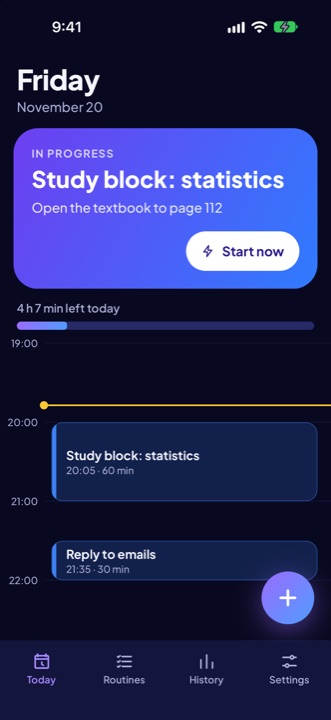
Time is easier to feel when you can see it. During a block, Kickoff keeps a live countdown on your lock screen so you can check where you are without opening the app.


How it works
- It starts when you start. When you tap Start on an alarm, the countdown for the whole block begins.
- The system draws it. On Android the countdown is an ongoing notification whose timer is drawn by the system. That is why it keeps counting with the screen off, without waking the app.
- It ends with the block. Choosing Done, Partly or Move it ends the countdown.
Good to know
- On Android the countdown is a lock-screen notification. Make sure notifications are allowed for Kickoff and that your phone does not restrict the app in the background.
- On iPhone the lock-screen countdown uses Live Activities. Live Activities must be allowed for Kickoff in your phone settings.
- The countdown is for the block as a whole. The two-minute first-step countdown appears inside the app.
Plan: Included in Free and Pro.